
Senders
GX40 Sender
GX40 Sender is a Windows desktop app for managing opt-in email campaigns to Microsoft 365, Gmail, Yahoo, AOL, and business email addresses.
$250.00One-time
Prepare opt-in campaigns on Windows. Import your recipients, compose your message, and track responses from your sending provider.
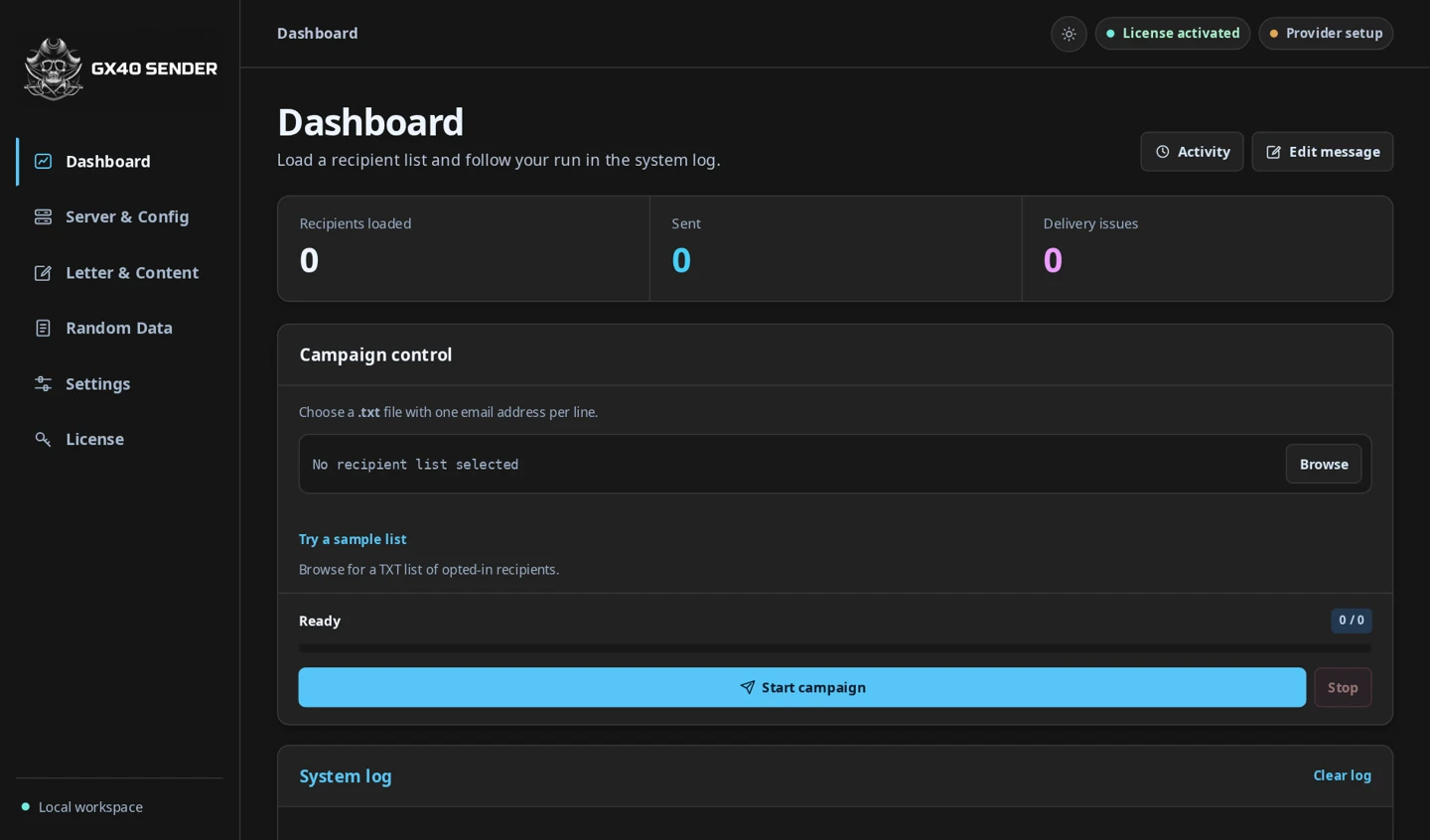
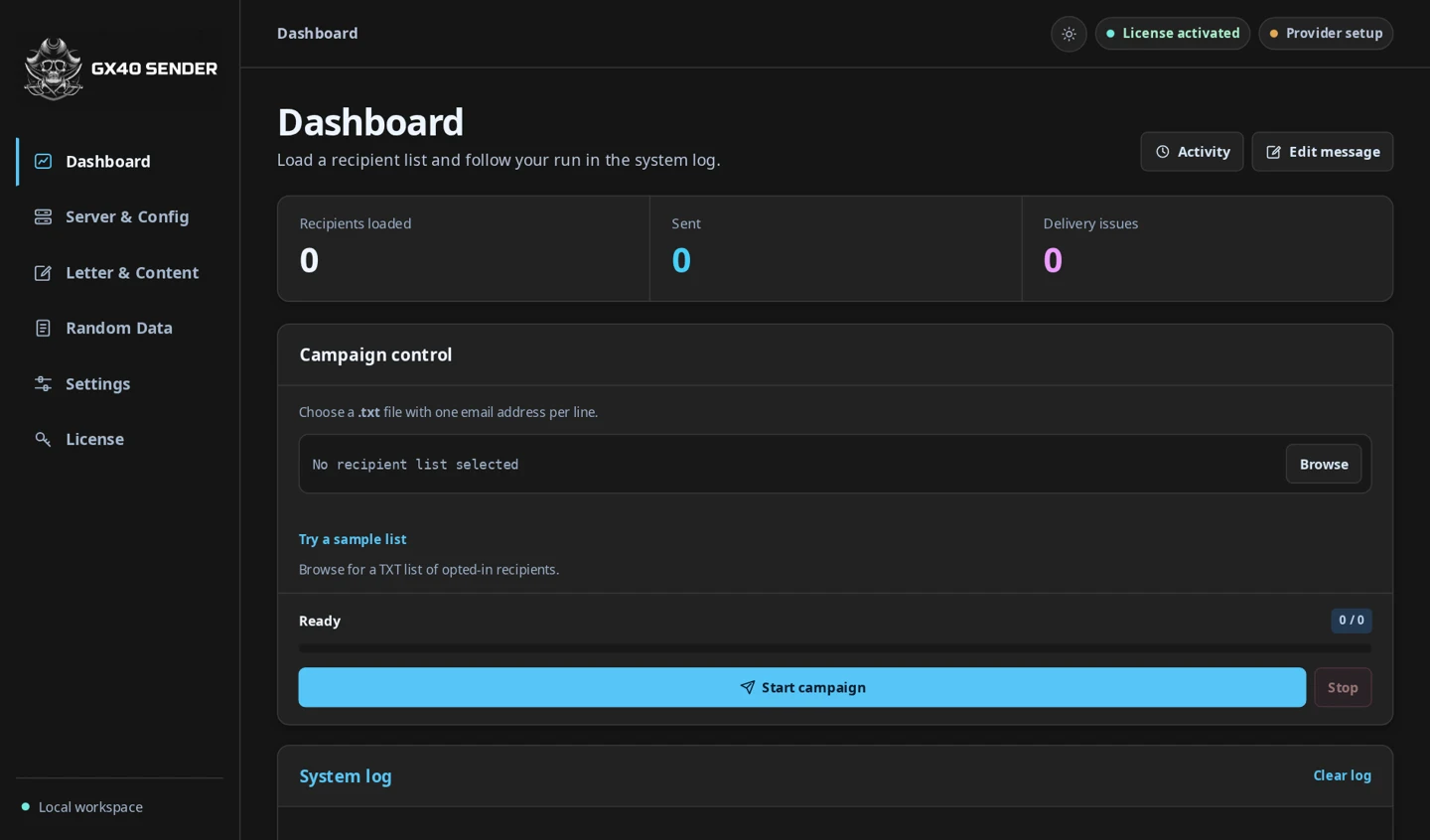
Load a list of opted-in recipients.
See how to load recipients, edit a message, and review sending activity in GX40 Sender.
Explore the app screensPrepare campaigns for Microsoft 365 and business-domain recipients from your Windows desktop.
Use your authorized SMTP server or connect Mailgun or Brevo.
Preview personalized messages and review sending results from the app.
Windows software and campaign resources.
GX40 Sender is a Windows desktop app for managing opt-in email campaigns to Microsoft 365, Gmail, Yahoo, AOL, and business email addresses.
No products match your search.
Switch between screens from the Windows app.
Load a recipient list, review the campaign, and follow the system log in one workspace.
Build your cart with Windows software and add-ons.
Choose a coin and network, then submit the transaction hash for review.
Use your private order link to check verification and receive delivery details.
GX40 Sender is a Windows desktop application.
Use your authorized SMTP server or connect Mailgun and Brevo. Provider rules and account limits apply to each connection.
GX40 supports campaigns to Microsoft 365, Gmail, Yahoo, AOL, and business domains through your authorized sending provider. Inbox placement depends on the receiving mailbox and your sending setup.
Keep your private order link. Delivery details appear there after the store verifies your payment.
Use the coin, network, address and amount shown on your checkout quote.